Last year, I bought a Macintosh Performa 410 on eBay. I wasn’t expecting it to be special in any way. The main reason I was interested in it was because I suspected it would have originally come with System 7.1P3, which was a weird Performa-specific OS version that nobody had preserved at the time. If you haven’t figured it out by now after reading my posts, I care a lot about software preservation. History matters!
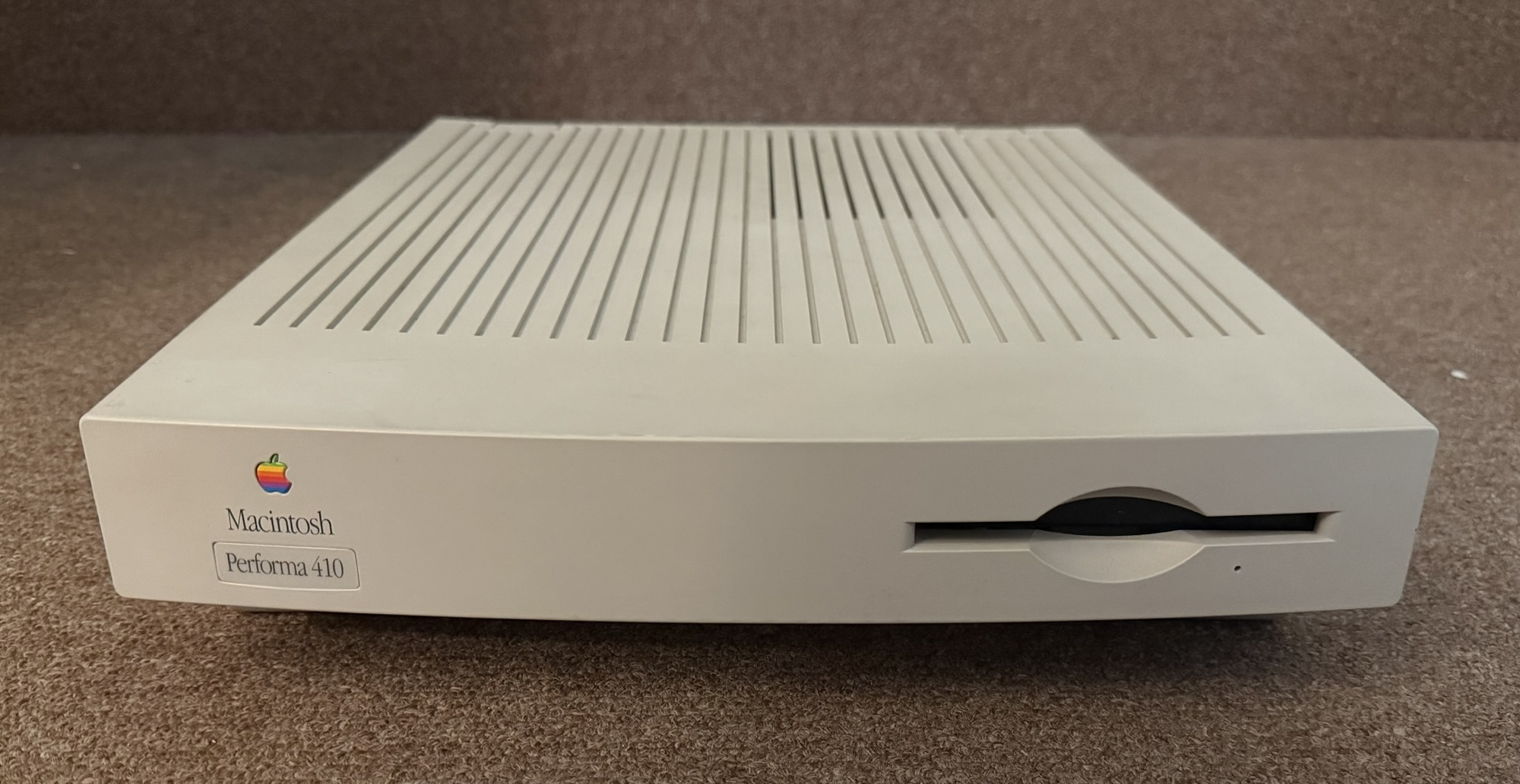
When it arrived, I anxiously dumped its hard drive contents and booted it up in MAME. Luckily the original Quantum hard drive in this thing still hasn’t succumbed to the sticky rubber of death! I ended up being correct about it having the elusive System 7.1P3 version, and not only that, it was very lightly used. It appeared that the previous owner had mostly just used it for word processing in ClarisWorks and nothing else.
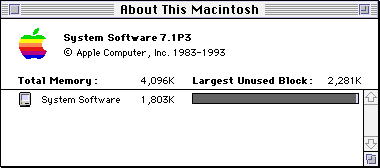
I was thrilled because this meant I could throw together a close-to-stock 7.1P3 install, which I eventually uploaded to the Macintosh Garden, being careful to exclude personal info, de-register software, and try to get it as close as possible to what a stock install would have looked like. Not too long after that, a kind person uploaded the whole set of Market Software Series Apple Restoration CDs to the Macintosh Garden, which included a pristine restore image of System 7.1P3 on Volume 1. This meant that my original goal of trying to create a clean 7.1P3 install ended up being pretty pointless.
However, there was something else about this Performa 410 that turned out to be really special, and made me really thankful that the previous owner had barely used it.
There was one extra app at the very end of the (stock-looking) Applications folder:
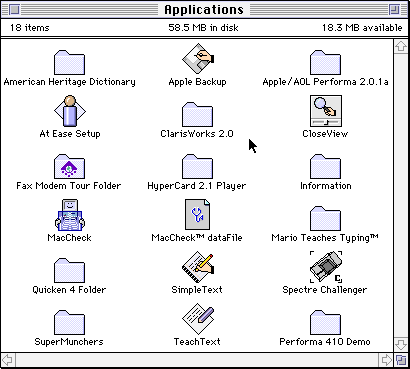
Performa 410 Demo. What the heck is that?
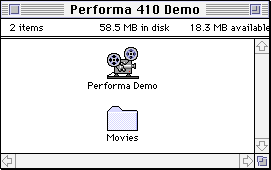
Of course, I ran this app, and then the emulated system in MAME froze. This led to some crazy debugging of the sound chip emulation with Arbee that eventually resulted in the creation of ASCTester, and as a result, MAME’s Apple Sound Chip emulation is now much improved. But back then, I was stuck, so I switched to Basilisk II for testing out this app instead. That’s when I quickly realized what I had:
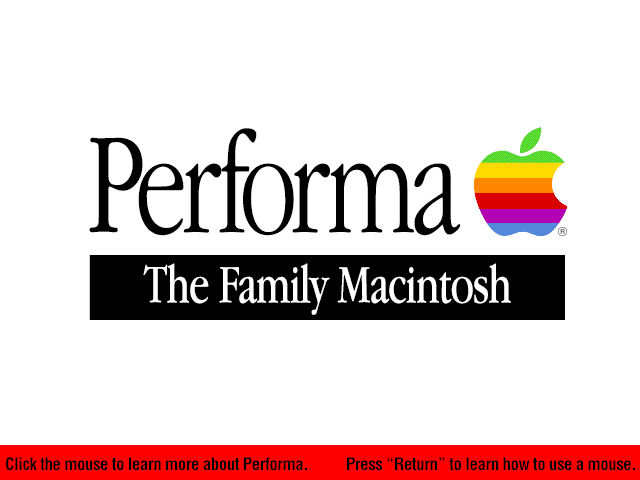
This Performa 410 was a store demo unit! This is the kiosk software that would have been running on a demo Mac inside a store like Sears or Circuit City. The machine was never wiped back to factory state before being sold, and the original owner kept the demo software the entire time they had the machine. Such a cool find!
It includes a comparison between the Performa 410 and the Performa 466, so clearly those two models must have been sold side-by-side at the same retailer.
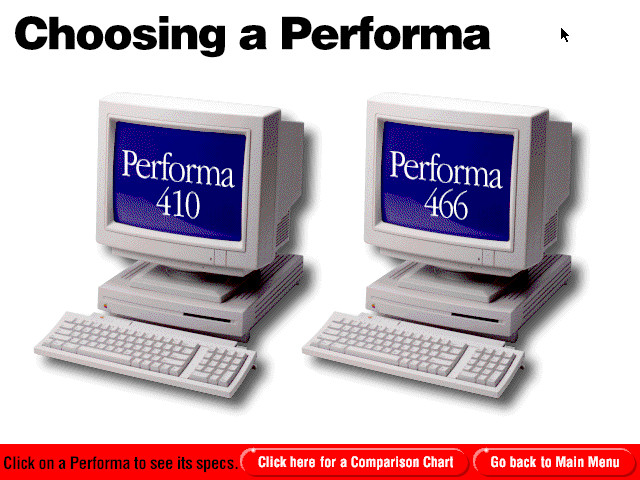
Aside from that, there is a tutorial about how to use a mouse, info about a few Apple accessories, and a ton of software demonstrations about several included software and devices such as ClarisWorks, Quicken, the Global Village fax modem, AOL, American Heritage Dictionary, and SuperMunchers. There are also several demos of other software you could buy including Lotus 1-2-3, WordPerfect, Yearn2Learn, and Battle Chess.
This demo app was created with MacroMind Director, and I was pretty quickly able to find the Lingo code that allows you to break out of the demo and get back to the desktop so you could shut it down cleanly:
-- look for small 'p' and Option together
if the keycode = 35 and the optionDown = TRUE then
  -- go frame "quit"
  shutDown
  QUIT
end if
So yeah, option-p is how you exit. They probably didn’t want a bunch of young whippersnappers pressing command-Q to break out of the demo. But hey…they probably couldn’t prevent command-option-escape from working no matter what. Anyway, that chunk of code, including the commented-out go frame "quit", was repeated in a bunch of different screens. I looked a little deeper into the code and found some attributions:
-- ©1993, Apple Computer, Inc.
-- Developed by re:Source Marketing, 7/93
A few of the screens say 6/93 instead of 7/93. The Global Village fax modem demo also had its own credits hiding in Lingo comments:
-- Global Village TelePort Fax/Modem On-Screen Demo
-- Copyright © 1993 by Global Village Communications. All Rights Reserved.
-- Created and produced by Chuck Walker, Tree Frog Studio. May 1993
I already uploaded this demo software to the Macintosh Garden for everyone to play with, but I think the best way to show it off is with a YouTube video of booting the actual machine and going through every little piece of the demo. This was recorded from the actual physical computer and its original hard drive. No emulation was involved at all. I added timestamps to the video description, so if you’re interested in seeing a particular demo, I’d recommend viewing it on YouTube and expanding the description.
My understanding after asking a former field rep is that the demo program on this particular machine (which doesn’t have a CD-ROM drive) probably would have come from a special SCSI hard drive that he carried around with installers for all of the machines. These drives would have been returned back to Apple. So finding a treasure trove of these rare demo programs for all the different models out there probably isn’t ever going to happen. But who knows?
I wonder how many other kiosk apps like this are hiding on a former store demo computer rotting away in someone’s basement? I’m guessing not too many. Given how small hard drives were back in the day, it seems like this software would have been one of the first things people deleted.
I’d love to hear if anyone knows more about these in-store demo apps! It would be fun to see more of them for some of the other models. With the zillion Performa model numbers out there, was it actually someone’s job to create a unique application in Director for each one? Seems crazy!
I hope this blog post takes someone back to the good old ’90s, walking through Sears or Staples or whatever. Anybody remember seeing Mac demos like this in stores? I can only imagine how annoying the sound loop would have been for workers to hear all day.


My first real Mac (not a Spectre emulation cartridge running on an Atari ST) was a also a store demo Performa, a 476, from Service Merchandise. I believe it also had a demo app on it. It was definitely not wiped before we took it home.
I think my dad gave it to his girlfriend sometime after it was replaced by a lime iMac G3.
That’s cool, JD! It’s too bad you don’t have it anymore. It would have been interesting to see just how similar the 476’s demo was to this one.