Last year, I repaired an NZXT Signal 4K30 USB capture device that I bought on eBay for cheap. It was completely dead, and the cause turned out to be a bad solder joint on an inductor, which prevented power from getting to a crucial part of the board.
After I fixed it, I tried using it to capture signals from a bunch of different HDMI source devices to make sure it worked correctly. As I said in my last post about it:
I did find one 720p60 HDMI source that it doesn’t like — the captured video shows up as pink and green.
In that post, I also pointed to a few Reddit threads (1, 2) where similar issues had been observed on a PS5 and Nintendo Switch, respectively.
Here’s a snapshot of what captured video looked like from the one HDMI source that it didn’t like:
Around the same timeframe, I began cobbling together another computer using a motherboard from an eMachines EL1200. The EL1200 was a cheap machine that came out in 2008. I found the motherboard on eBay for next to nothing, and it was also easy to find an Athlon X2 4850e to go with it. This particular motherboard only officially supports 2 GB of RAM in each of its two slots for a total of 4 GB, but I knew that 4 GB DDR2 sticks existed, so I went ahead and tried to put 8 GB in it. Why not? They were easy to find and inexpensive.
The 8 GB of RAM worked perfectly fine and I was able to boot into Linux. This honestly didn’t surprise me too much. I ran memory tests and they all came back perfect. The computer worked great with 8 GB of RAM.
Then, I tried to enter the BIOS setup by pressing F2 at startup when the eMachines splash screen came up:
I was recently poking around inside the original Power Macintosh G3’s ROM and accidentally discovered an easter egg that nobody has documented until now.
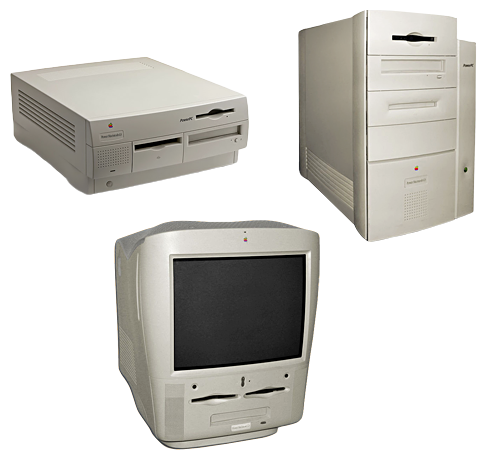
This story starts with me on a lazy Sunday using Hex Fiend in conjunction with Eric Harmon’s Mac ROM template (ROM Fiend) to look through the resources stored in the Power Mac G3’s ROM. This ROM was used in the beige desktop, minitower, and all-in-one G3 models from 1997 through 1999.
As I write this post in mid-2025, I’m having a really difficult time accepting the fact that the Power Mac G3 is now over 27 years old. Wow!
While I was browsing through the ROM, two things caught my eye:
First, there was a resource of type HPOE which contained a JPEG image of a bunch of people, presumably people who worked on these Mac models.
This wasn’t anything new; Pierre Dandumont wrote about it back in 2014. However, in his post, he mentioned that he hadn’t figured out how to display this particular hidden image on the actual machine. Several older Macs have secret keypress combinations to show similar pictures, but the mechanism for displaying this one was a complete mystery.
This is the story of how Apple made a mistake in the ROM of the Macintosh Classic II that probably should have prevented it from booting, but instead, miraculously, its Motorola MC68030 CPU accidentally prevented a crash and saved the day by executing an undefined instruction.
I’ve been playing around with MAME a lot lately. If you haven’t heard of MAME, it’s an emulator that is known best for its support of many arcade games. It’s so much more than that, though! It is also arguably the most complete emulator of 68000-based Mac models, thanks in large part to Arbee‘s incredible efforts. I will admit that I’ve used MAME to play a game or two of Teenage Mutant Ninja Turtles: Turtles in Time, but my main use for it is Mac emulation.
Here’s how this adventure begins. I had been fixing some issues in MAME with the command + power key combination that invokes the debugger, and decided to see if the keystroke also worked on the Classic II. Even though this Mac model has a physical interrupt button on the side, it also has an “Egret” 68HC05 microcontroller for handling the keyboard and mouse (among other things) that should be able to detect the keypress and signal a non-maskable interrupt to the main CPU. I believe the Egret disables this keystroke by default, but MacsBug contains code that sends the command to enable it.
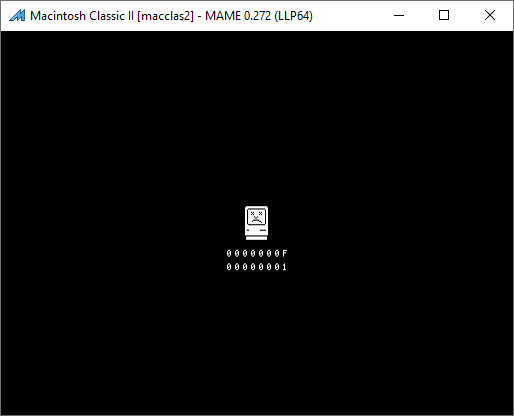
I didn’t get very far while testing the command+power shortcut in MAME’s emulated Classic II, because I observed something very odd. It booted up totally fine in 24-bit addressing mode, but I could not get it to boot at all if I enabled 32-bit addressing, which I needed in order for MacsBug to load. It would just pop up a Sad Mac, complete with the Chimes of Death. On this machine, the death chime is a few notes from the Twilight Zone theme song.
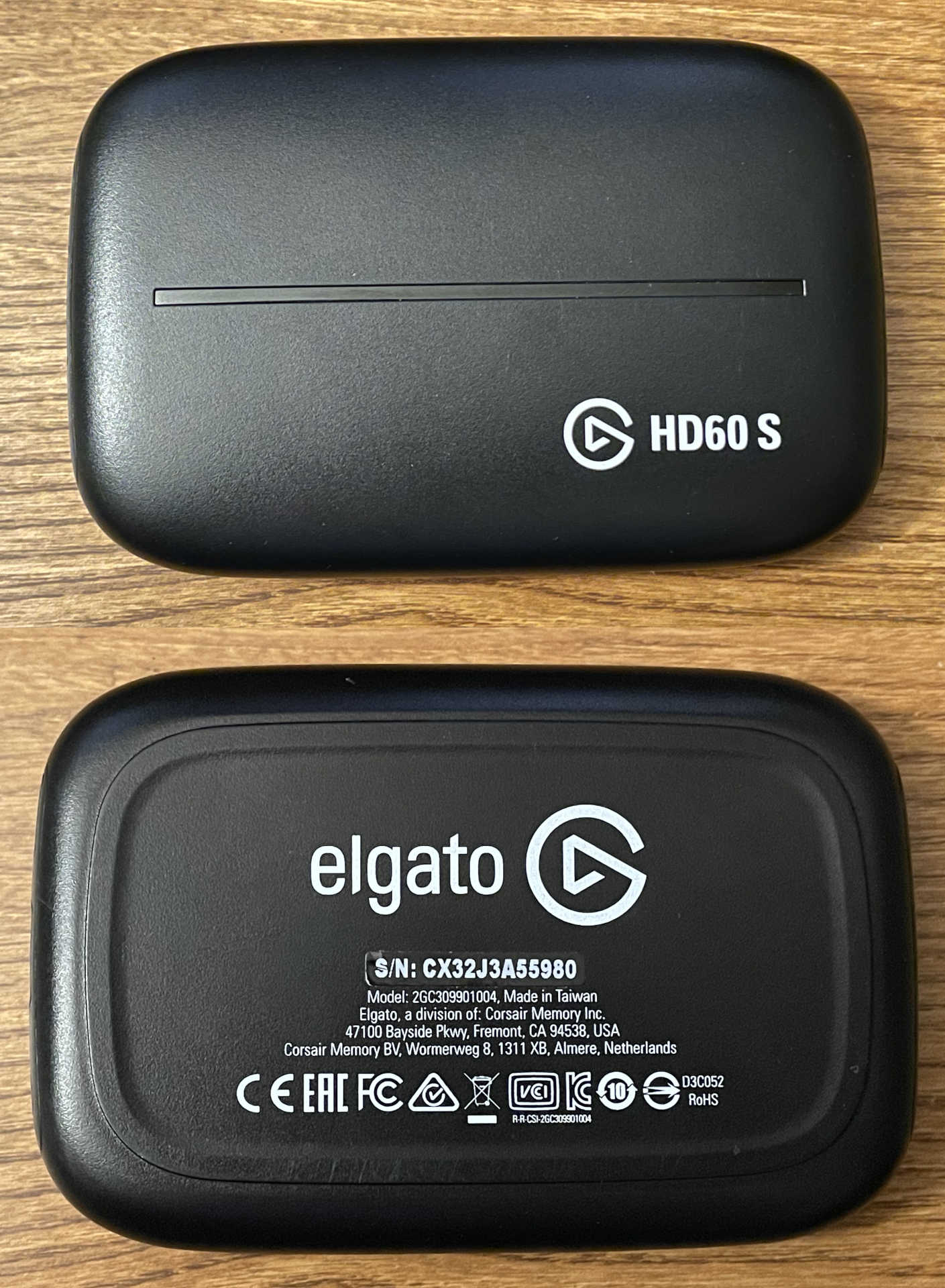
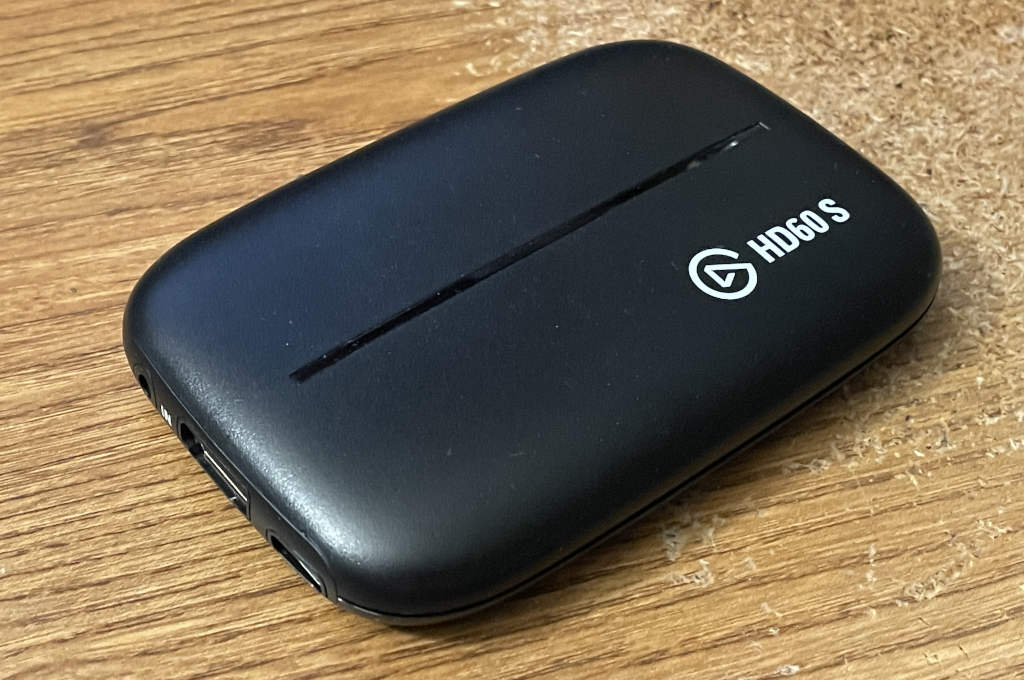
Here’s a weird problem that I’ve never seen before, along with my eventual hardware fix. After my previous Elgato Game Capture HD60 S HDMI capture card LED repair escapades, I recently ended up trying to find another modern revision of the same device so I could dump its SPI flash chip in order to be 100% certain that the data I put into the flash for the animations was correct for the newer model. I took a chance and bought one for cheap on eBay that was sold as not working at all, but looked like it was newer based on the case style and arrangement of the back panel:
The item description said:
Unit powers on when connected to computer, but all computers we’ve tested this with refuse to recognize it as being connected.
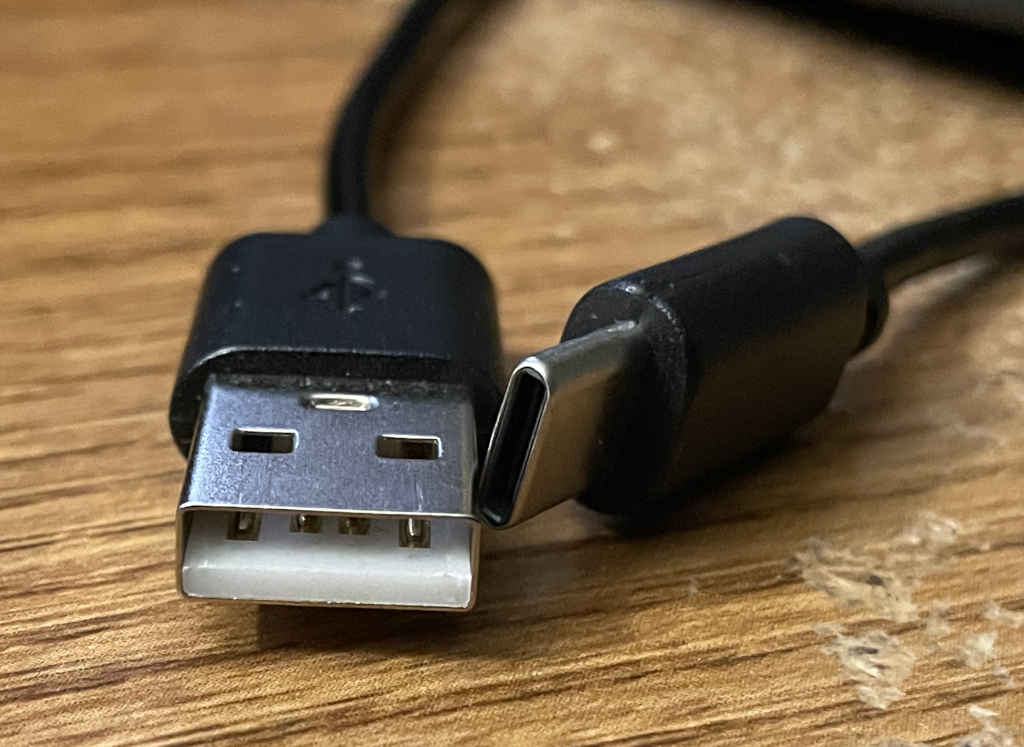
When it arrived, I noticed that it came with a USB A-to-C cable that wasn’t actually a SuperSpeed cable.
This post has a little bit of everything. Hardware diagnostics, some suspiciously similar datasheets from two separate Taiwan chip manufacturers, and firmware reverse engineering. Read on if that sounds like fun!
Lately, I’ve been enjoying watching random electronics repair channels on YouTube. There’s something oddly satisfying about watching someone take a broken device from totally nonfunctional to perfectly working, all by replacing a $0.05 capacitor that has failed shorted or maybe a blown $0.75 IC. Two of my favorite channels about this topic are Buy it Fix it and StezStix Fix?.
The videos inspired me. I thought, “I should totally try this!” So I went on eBay and looked for broken devices. I have a pretty decent understanding of how video encoders and decoders work, so I thought it would be a fun project to try to fix an HDMI capture card. I found a broken Elgato Game Capture HD60 S USB 3.0 device. The listing said that nothing happened when you plugged it in.
When it arrived, I was able to verify exactly what the listing said. Nothing showed up on my computer when I plugged it in. I cracked it open and had a look at what was happening internally when it powered up. I started by poking around at voltages on the board with it plugged in, and it was pretty obvious that something was dragging the power rails down. Little did I know at that point what I was getting myself into.